AI for Moms: How to Save Time, Reduce Stress, and Simplify Family Life
It is 4:47 p.m.
Dinner is not started. One child is asking for a snack. Another child cannot find the one pair of shoes they suddenly need right now. There is a school email sitting unread in your inbox, laundry in the washer that should have been moved hours ago, and a grocery list on your phone that only says “milk” because that was the only thought your brain could hold onto before someone yelled your name again.
And somehow, in the middle of all of that, you are also supposed to know what is for dinner, remember tomorrow’s spirit day, answer the teacher, plan lunches, clean the kitchen, sign the permission slip, schedule the dentist appointment, and stay calm.
This is the part of motherhood people do not always see.
The mental load.
The planning. The remembering. The anticipating. The organizing. The emotional managing. The invisible work of keeping a family moving.
So when people hear about AI and think, “That sounds too techy for me,” I completely understand. But here is what I want you to know right away:
AI is not just for tech people.
AI can be a simple, practical, mom-life tool.
It can help you figure out dinner when your brain is fried. It can help you write a school email when you are too tired to word it nicely. It can help you create a cleaning schedule, a bedtime routine, a chore chart, a grocery list, a homeschool lesson plan, a rainy day activity list, or a weekly reset plan.
AI will not replace you. It cannot love your kids, know your home the way you do, or make the heart-level parenting decisions that belong to you.
But it can help with the repetitive thinking work that drains moms every single day.
And that matters.
Disclosure: This post may contain affiliate links, which means I may earn a small commission if you purchase through my links, at no extra cost to you. I only recommend resources, tools, and products I believe can help make mom life easier.
Want the Full AI for Moms System Already Organized?
This blog post will give you a helpful starting point, but the easiest way to actually use AI in your real life is to have the prompts, templates, worksheets, and planning pages organized in one place.
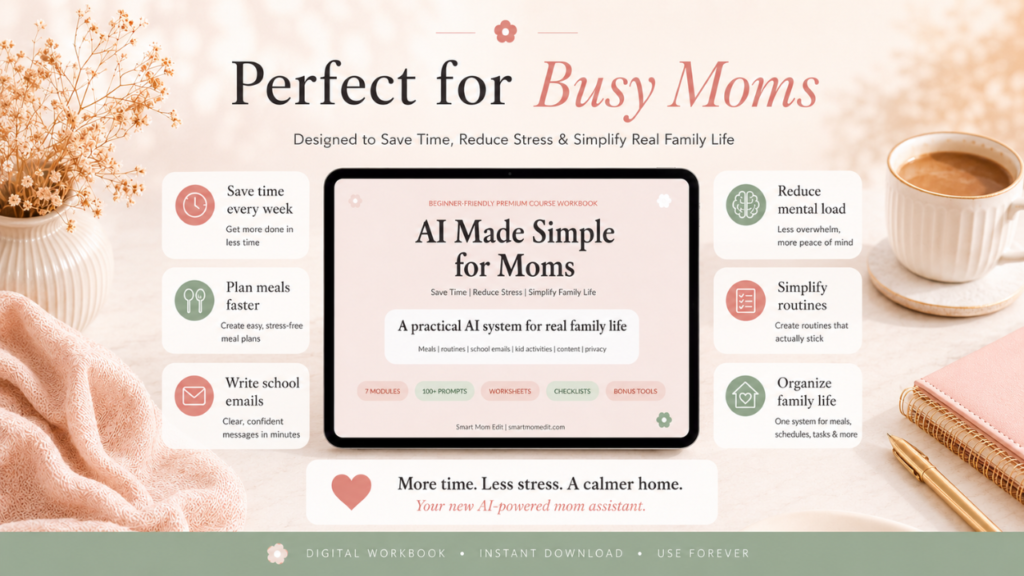
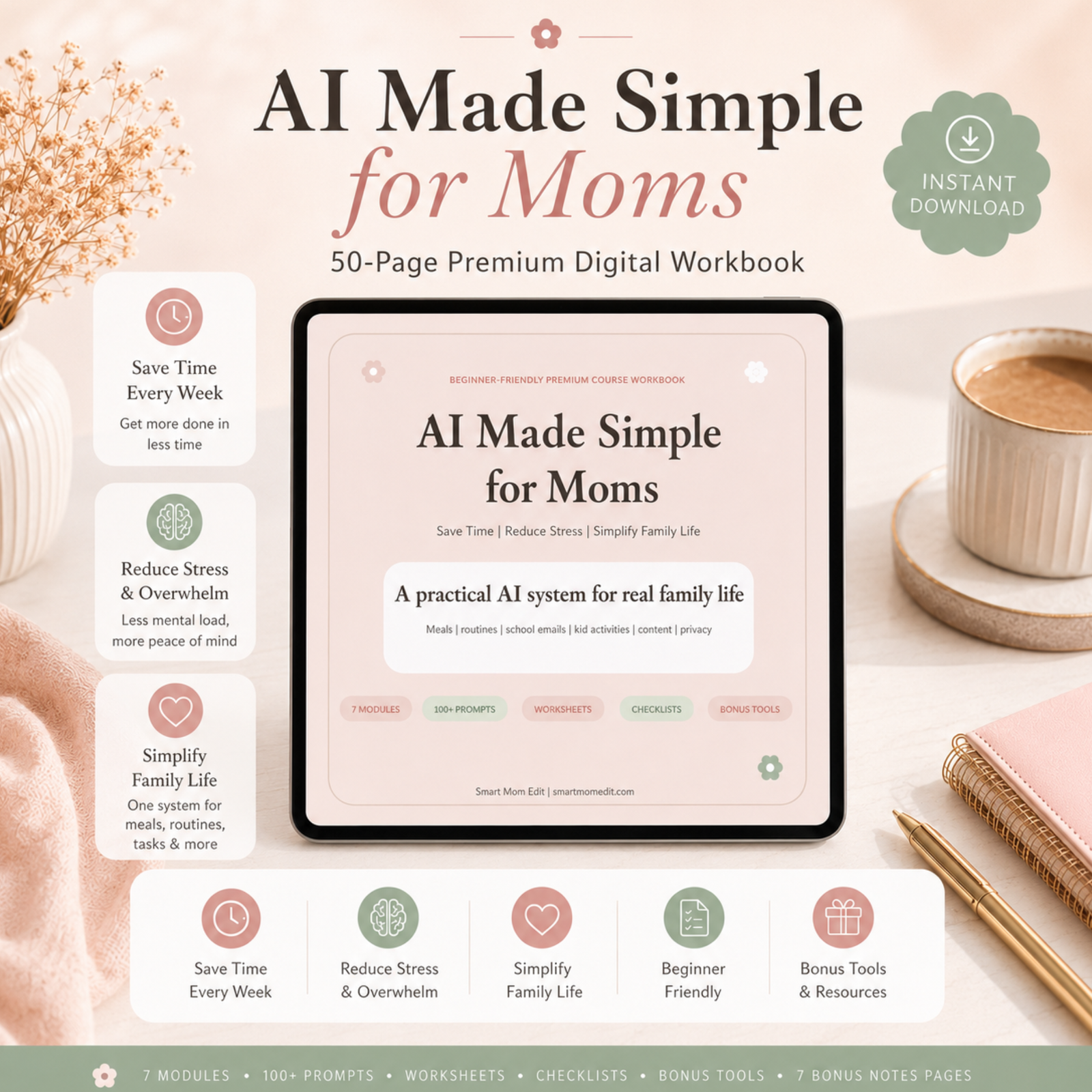
That is why I created the AI Made Simple for Moms Premium Workbook.
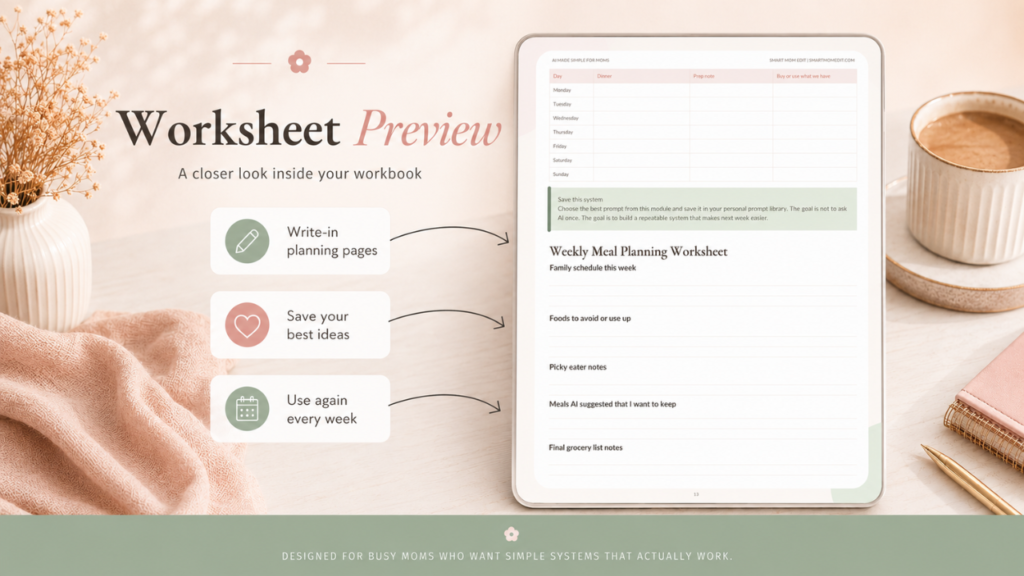
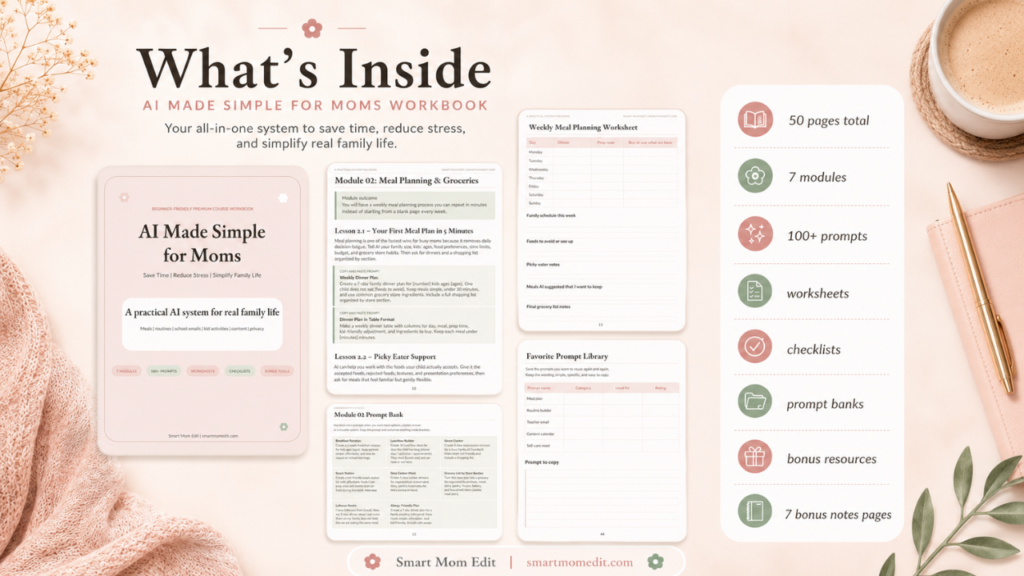
Inside the workbook, you get 7 practical modules, 100+ copy-and-paste prompts, meal planning templates, routine worksheets, school email helpers, kid activity prompts, content prompts, privacy reminders, weekly reset pages, and bonus tools to help you stop starting from scratch every week.
It is made for busy moms who want AI to feel simple, useful, and doable.
Grab the AI Made Simple for Moms Workbook here.
What Is AI in Plain Mom Language?
AI stands for artificial intelligence, but you do not need a tech degree to use it.
For everyday mom life, AI is basically a smart chat assistant. You type in what you need, and it gives you an answer, idea, plan, checklist, draft, schedule, or starting point.
The thing you type is called a prompt.
That is it.
A prompt is just your request.
A vague prompt might be:
“Help me with dinner.”
AI might give you something, but it may be too general.
A better prompt would be:
“Create a 5-day family dinner plan for two kids ages 4 and 8. Keep meals under 30 minutes, budget-friendly, and picky eater friendly. One child does not like vegetables mixed into food. Include a grocery list organized by store section.”
That second prompt gives AI real-life details, so the answer will be much more useful.
This is one of the biggest secrets to getting good results from AI: the more specific you are, the better the help will be.
You can tell AI your child’s age, your budget, your time limit, what foods your family avoids, what supplies you already have, how much energy you have, and what format you want.
You can say:
“Put this in a table.”
“Make this a checklist.”
“Make this easier for a tired mom.”
“Give me a version for a busy school night.”
“Make this more realistic.”
“Use supplies I already have.”
AI works best when you treat it like a helper you can guide, not a magic button that gets everything perfect on the first try.
Why Moms Are Using AI More and More
Motherhood is full of tiny decisions.
What are we eating?
What needs to be packed?
Who has practice?
What time is pickup?
What can I make from what is already in the pantry?
How do I answer this teacher email without sounding annoyed?
What can the kids do that does not involve screens?
When am I supposed to clean the bathroom?
How do I get everyone out the door without losing my mind?
Each decision might seem small on its own. But stacked together, they become exhausting.
AI helps because it can take a messy thought and turn it into something usable.
It can take:
“I do not know what to make for dinner this week.”
And turn it into:
A 7-day meal plan.
A grocery list.
A prep schedule.
A backup meal list.
A picky eater version.
A budget-friendly version.
It can take:
“Our mornings are chaos.”
And turn it into:
A minute-by-minute school morning routine.
A kid-friendly checklist.
A parent reminder list.
A backup plan for late mornings.
It can take:
“I need to email the teacher, but I do not know how to say this.”
And turn it into:
A calm, respectful draft that you can edit before sending.
That is the real value of AI for moms. It helps reduce the blank-page feeling.
You are still in charge. You still decide what fits your family. But you do not have to create every single plan from scratch.
How AI Can Help With Meal Planning
Meal planning is one of the easiest places for moms to start with AI because the pain point is so obvious.
Dinner comes every single night. And somehow, even after years of feeding people, it can still feel shocking that everyone expects to eat again.
AI can help you create a meal plan based on your real life, not a fantasy version of your life where every child happily eats roasted vegetables and you have two quiet hours to cook.
You can tell AI:
How many kids you have.
Their ages.
What foods they refuse.
What allergies or dietary needs matter.
Your grocery budget.
How much time you have to cook.
What ingredients you already have.
Which nights are busy.
Whether you want leftovers.
Whether you need lunchbox ideas too.
Then AI can create a realistic plan.
For example, you could ask:
“Create a 7-day family dinner plan for a family of four. I have two kids ages 5 and 9. One child is picky and does not like mixed casseroles. Keep meals under 30 minutes. Use budget-friendly ingredients and include a grocery list by store section.”
That one prompt can save you from wandering through the grocery store with no plan, buying random food, then still feeling like there is nothing to make.
AI can also help with pantry cleanouts. This is perfect for those nights when you have pasta, half a bag of shredded cheese, frozen chicken, two random cans of beans, and no clear dinner idea.
Ask:
“I have these ingredients: [list ingredients]. Create 5 family-friendly dinners using as much of this as possible. Tell me what small items I still need to buy.”
That is practical. That is useful. That is the kind of AI help that makes real mom life easier.
How AI Can Help With Routines
Routines are another huge area where AI can help moms.
Morning routines, bedtime routines, after-school routines, chore routines, Sunday resets, laundry systems, and cleaning rhythms all get easier when they are written down.
The problem is that most moms are trying to build routines while they are already overwhelmed.
You are not calmly sitting at a desk with a hot coffee and a blank planner. You are usually trying to fix a chaotic morning while someone is crying about socks and another child is moving at the speed of a sleepy turtle.
AI gives you a starting point.
You can ask:
“Help me design a smooth school morning routine for three kids ages 4, 7, and 10. We need to leave the house by 7:30 a.m. Include breakfast, getting dressed, brushing teeth, packing bags, shoes, and getting into the car. Our biggest problem is that everyone gets distracted. Give me a minute-by-minute plan.”
You can also ask:
“Create a calming bedtime routine for a 6-year-old. We need to start at 7:30 p.m. and have lights out by 8:15 p.m. Include bath, pajamas, brushing teeth, books, and phrases I can use when my child keeps asking for one more thing.”
That is the beauty of AI. You can give it the messy reality and let it help you shape the first version of a system.
It does not have to be perfect. You test it. You change it. You make it fit your family.
The goal is not a perfect home.
The goal is less chaos.
Want Printable Routine Pages and Prompt Templates?
This is exactly why the AI Made Simple for Moms Workbook includes routine builders, household system prompts, weekly reset pages, and guided worksheets.
You do not have to collect random prompts from ten different places. The workbook gives you a ready-to-use system for meals, routines, school, parenting, content, prompt organization, and safety.
Get the workbook here and start building your AI mom-life system:
How AI Can Help With Cleaning and Home Systems
Cleaning is not just cleaning when you are a mom.
It is dishes, laundry, toys, crumbs, papers, backpacks, shoes, bathroom counters, snack wrappers, mystery socks, school projects, and the random pile on the kitchen counter that somehow becomes part of the family.
AI can help you break home tasks into smaller, more realistic pieces.
Instead of saying, “I need to clean the whole house,” you can ask AI:
“Create a realistic weekly cleaning schedule for a mom with two kids. Break it into daily 15-minute tasks so nothing feels overwhelming. Include a Sunday reset checklist and a quick emergency clean plan for when guests are coming.”
This matters because overwhelmed moms do not need another impossible cleaning routine. They need a plan that works when life is busy.
AI can also help you create chore charts.
Try:
“Create an age-appropriate chore chart for kids ages 5, 8, and 11. Include 3 daily chores and 2 weekly chores for each child. Keep it realistic and explain how to introduce it as teamwork, not punishment.”
This gives you more than a list. It gives you a way to think through what your kids can actually handle.
Then you can take that AI-created chore chart and put it on a magnetic chore chart, dry erase board, printable page, or family command center.
That is where digital planning meets real-life follow-through.
How AI Can Help With School Emails and Communication
This is one of the most underrated uses for AI.
Sometimes you know what you need to say, but you do not know how to say it without sounding too emotional, too harsh, too apologetic, or too wordy.
AI can help you draft a calm message.
You can ask:
“Write a polite, warm, and clear email to my child’s teacher about [issue]. I want to be respectful, but I also need to ask for [what you need]. Keep it under 150 words.”
You can use AI for:
Teacher emails.
Absence notes.
Thank-you notes.
Meeting requests.
Questions about homework.
Clarifying school events.
Messages about behavior concerns.
Notes for appointments.
You should always read and edit the message before sending it. But AI can take away the blank-screen stress.
That alone is worth it on a busy school morning.
How AI Can Help With Kids’ Activities
Every mom has had the moment where the kids are bored, the weather is bad, the house is loud, and you cannot think of one single activity.
AI is great for this.
You can ask:
“Give me 10 screen-free indoor activities for kids ages 4 and 7. I have paper, crayons, playdough, cardboard boxes, tape, blocks, and a few board games. Keep each activity under 20 minutes and low mess.”
You can make it even more specific:
“Give me 10 quiet activities for a child who needs to calm down after school.”
“Give me 15 outdoor activities for kids who need to burn energy.”
“Create a rainy day activity plan for two siblings who argue a lot.”
“Give me a no-prep activity list for a tired mom.”
This is such a practical way to use AI because it meets you right in the middle of the chaos.
You do not have to scroll Pinterest for 45 minutes, save 12 activities, realize they require supplies you do not have, then give up.
You can ask AI for activities based on what is already in your house.
How AI Can Help Homeschool Moms
Homeschool moms can use AI in so many helpful ways.
You can ask for lesson plans, unit studies, discussion questions, hands-on activities, review games, writing prompts, vocabulary lists, project ideas, and simple quizzes.
For example:
“Create a 5-day lesson plan for teaching fractions to a 3rd grade homeschool student. Include daily objectives, a hands-on activity, simple materials, and one review game.”
Or:
“Create 10 discussion questions for the book [title] for a 5th grade student. Include questions about characters, plot, theme, and personal connection.”
AI can help you move faster through the planning stage so you can spend more energy teaching, connecting, and adjusting to your child.
Again, AI does not replace your judgment. You still review everything. You still make sure it fits your child. But it can save a lot of planning time.
How AI Can Help Mom Bloggers and Side Hustle Moms
For moms who blog, create content, sell printables, run a small shop, or manage social media, AI can feel like a content assistant.
You can use it to brainstorm blog post ideas, outline posts, write first drafts, create Pinterest descriptions, batch Instagram captions, plan newsletters, write product descriptions, and map out a content calendar.
Try:
“Create a detailed blog post outline for the topic [topic]. My audience is busy moms. Include an engaging introduction, 6 to 8 helpful sections, SEO keyword ideas, and a strong conclusion with a call to action.”
Or:
“Write 10 Pinterest descriptions for a blog post about [topic]. Make them keyword-rich, natural, and helpful for moms.”
The key is not letting AI replace your voice.
Use AI to organize and speed things up. Then add your stories, opinions, examples, and personality.
That is how content stays human.
The Copy-and-Paste AI Prompts Moms Should Try First
This is the section you will probably want to save.
Pick one prompt and use it today. Do not try to do everything at once.
Meal Planning Prompt
“Create a 7-day family dinner plan for [number] kids ages [ages]. One child does not eat [food]. Keep meals simple, budget-friendly, and under 30 minutes. Use common grocery store ingredients and include a grocery list organized by store section.”
Pantry Cleanout Prompt
“I have these ingredients: [list ingredients]. Create 5 family-friendly dinners using as much of this as possible. Tell me what small items I still need to buy.”
Picky Eater Prompt
“My [age]-year-old will only eat [list accepted foods]. Create 10 meal ideas using mostly those foods. Include one tiny optional exposure to a new food without pressure.”
Cleaning Schedule Prompt
“Create a realistic weekly cleaning schedule for a mom with [number] kids. Break it into daily 15-minute tasks. Include a Sunday reset checklist and a quick-clean list for busy days.”
School Morning Routine Prompt
“Help me design a smooth school morning routine for [number] kids ages [ages]. We need to leave by [time]. Include breakfast, getting dressed, brushing teeth, packing bags, shoes, and getting out the door. Give me a minute-by-minute plan.”
Bedtime Routine Prompt
“Create a calming bedtime routine for a [age]-year-old. We need to start at [time] and have lights out by [time]. Include steps for bath, pajamas, brushing teeth, books, and phrases I can use when my child resists.”
Teacher Email Prompt
“Write a polite and professional email to my child’s teacher about [issue]. I want to be respectful, but clear that I need [what you need]. Keep it under 150 words and use a warm but direct tone.”
Rainy Day Activity Prompt
“Give me 10 easy indoor activities for a [age]-year-old on a rainy day. I have [supplies]. No screens. Keep each activity 15 to 20 minutes and include simple setup instructions.”
Mental Load Prompt
“Here is everything on my mind today: [brain dump]. Organize it into urgent, this week, waiting, delegate, delete, and ask AI to help. Then give me the next 3 tiny steps.”
Self-Care Prompt
“Design a simple 10-minute self-care reset for a busy mom who feels overstimulated. Keep it realistic, calming, and possible to do at home while the kids are nearby.”
The Problem With Saving Random Prompts
Here is where a lot of moms get stuck.
They try AI once. It helps. Then they forget the prompt.
Or they save a prompt in a random note, lose it, and start over the next week.
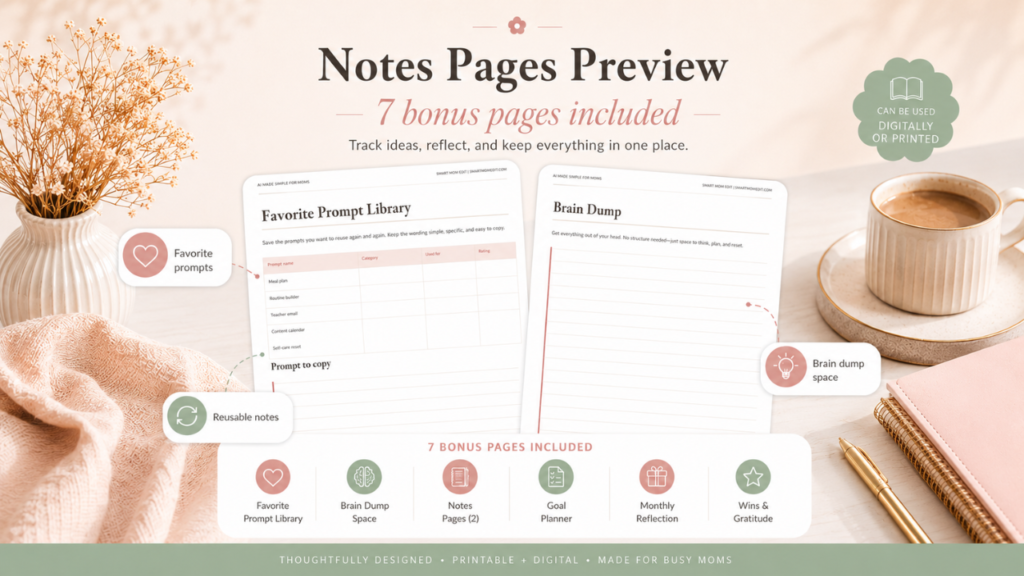
That is why you need a prompt library.
A prompt library is simply a place where you save the prompts that work.
You can organize it by category:
Meals
Routines
Cleaning
School
Kids’ activities
Homeschool
Self-care
Blogging or business
Safety and privacy
Then, when life gets busy, you are not starting from zero. You are opening your saved prompt, changing the details, and using it again.
This is one of the biggest reasons I created the AI Made Simple for Moms Premium Workbook. It helps you build a real system, not just collect random tips.
The workbook gives you prompts by category, worksheets to test what works, weekly planning pages, bonus tools, and a simple flow for using AI in everyday family life.
Grab the workbook here and stop starting from scratch every week:
Amazon Products That Work Beautifully With AI Planning
Before we talk about products, here is my honest recommendation: start with the system first.
The AI Made Simple for Moms Workbook gives you the prompts, templates, worksheets, and planning flow. Once you have that, these Amazon items can help you bring those AI-created plans into your home.
You do not need all of them. Choose the ones that match the area of life you are trying to simplify first.
Family Organization Tools
A large family wall calendar is perfect for transferring your AI-generated weekly plan into a place everyone can see.
A magnetic weekly planner for the fridge works well for meals, school reminders, appointments, and weekly priorities.
A family command center wall organizer is helpful for schedules, school papers, chores, meal plans, and reminders.
Meal Planning Tools
A weekly meal planning notepad pairs perfectly with AI meal plans. Ask AI for the plan, then write it down and put it where the family can see it.
Search Amazon for:
“weekly meal planning notepad”
A magnetic grocery list notepad makes it easier to keep track of what you need after AI creates your grocery list.
Meal prep containers are helpful when AI gives you a Sunday prep plan.
Routine and Chore Tools
A magnetic chore chart for kids works beautifully with AI-created chore lists.
A laminator can turn routine charts, bedtime checklists, and cleaning lists into reusable pages.
Fine tip dry erase markers are great for laminated checklists, calendars, and reusable planning pages.
Workbook and Printable Organization Tools
A home management binder is a great place to keep printed workbook pages, routines, meal plans, school notes, and prompt templates.
Binder dividers help separate meals, routines, school, cleaning, and self-care.
A wireless printer is useful if you want to print your workbook pages, checklists, and planning templates.
Tech Tools for Using AI
A tablet stand can hold your device while you follow an AI-generated recipe, cleaning checklist, or routine.
Search Amazon for:
“adjustable tablet stand kitchen”
A phone stand is helpful when you use AI from your phone while cooking, planning, or cleaning.
A compact Bluetooth keyboard makes typing prompts easier if you use a tablet.
A smart speaker can help with timers, reminders, routines, and family organization.
Safety, Privacy, and Common Mistakes
AI is helpful, but moms need to use it wisely.
The biggest privacy rule is simple: do not share information that is too personal.
Avoid sharing:
Your child’s full name
School names
Home address
Birthdays
Medical records
Legal documents
Passwords
Financial details
Private family situations with identifying information
Instead of saying your child’s full name, say “my 7-year-old” or “my child.”
Instead of naming the school, say “my child’s school.”
Instead of pasting medical records, say “I want to organize questions for my doctor.”
Also remember that AI is not a doctor, therapist, attorney, financial advisor, or emergency service.
AI can help you organize thoughts and questions. It should not make serious medical, legal, financial, or safety decisions for your family.
Use AI as an assistant, not an authority.
You are still the expert on your home.
Common AI Mistakes Moms Should Avoid
The first mistake is asking prompts that are too vague.
“Help me clean my house” will probably give a generic answer.
“Create a 15-minute daily cleaning schedule for a mom with three kids and very little time” will give something better.
The second mistake is accepting the first answer.
AI usually gets better when you ask follow-up questions.
Try:
“Make this simpler.”
“Make this more realistic.”
“Give me a version for a tired mom.”
“Turn this into a checklist.”
“Make it work for younger kids.”
The third mistake is trying too many tools at once.
Start with one AI chat tool. Learn how prompts work. Build your confidence. You do not need five different apps to begin.
The fourth mistake is not saving what works.
Save your best prompts so you can reuse them.
The fifth mistake is treating AI like the final answer.
AI gives you a draft, not a command. You decide what stays, what changes, and what does not fit your family.
How to Start Using AI This Week
You do not need a perfect system to start. You need one small win.
Step 1: Pick One Area That Feels Heavy
Choose the thing that drains you most right now.
For many moms, it is meal planning. For others, it is mornings, bedtime, cleaning, school emails, or activity ideas.
Do not try to fix everything. Pick one.
Step 2: Use One Prompt
Copy one prompt from this post and personalize it.
Add your kids’ ages, your time limits, your budget, your schedule, and what you actually need.
Step 3: Ask One Follow-Up
Do not stop at the first answer.
Ask AI to make it simpler, cheaper, calmer, shorter, more realistic, or easier to follow.
Step 4: Save What Works
Copy the final version into your notes app or workbook.
This is how you start building your personal prompt library.
Step 5: Repeat It Next Week
The real magic is not using AI once.
The real magic is creating repeatable systems.
A meal plan you can run every Sunday.
A cleaning reset you can use every Friday.
A teacher email prompt you can reuse all year.
A bedtime routine you can adjust as your child grows.
That is how AI becomes useful instead of just interesting.
Ready for the Easier Version?
You can absolutely start with the prompts in this post.
But the easier version is having the whole thing organized for you.
The AI Made Simple for Moms Workbook gives you the prompts, worksheets, planning pages, safety reminders, templates, and bonus tools in one place.
Inside, you will find:
7 beginner-friendly modules
100+ copy-and-paste prompts
Meal planning templates
Grocery planning help
Routine worksheets
Cleaning and chore prompts
School email helpers
Kid activity prompts
Homeschool planning prompts
Blog and side hustle prompts
Prompt library worksheets
Privacy and safety checklists
Weekly reset pages
Bonus planning tools
This workbook is made for the mom who wants AI to feel less confusing and more useful.
Not someday.
Not when life gets calmer.
Right now, in the middle of real family life.
Buy the AI Made Simple for Moms Workbook here
Frequently Asked Questions About AI for Moms
Is AI safe for moms to use?
AI can be safe for everyday planning, brainstorming, writing, and organizing as long as you protect your private information and use your own judgment. Do not share names, addresses, medical records, passwords, financial details, or anything highly personal. Use AI for support, not serious professional decisions.
Do I need to pay for AI?
Many moms can start with free or basic AI tools. You do not need a complicated setup to begin. Start with one chat-style AI tool, learn how to write clear prompts, and build from there. The most important thing is not the tool. It is knowing what to ask.
Can AI help with picky eaters?
Yes, AI can be very helpful for picky eater meal planning. You can list the foods your child accepts, the foods they refuse, texture issues, and your dinner goals. Then ask AI for meal ideas that use familiar foods while gently introducing new options.
Can AI write emails to my child’s teacher?
Yes. AI can help draft teacher emails, absence notes, thank-you messages, and meeting requests. Always read and edit the final message so it sounds like you and includes only the details you are comfortable sharing.
Can AI help me clean and organize my house?
Yes. AI can create cleaning schedules, decluttering plans, Sunday reset checklists, chore charts, and room-by-room routines. The best results come when you tell AI how much time you actually have and what areas feel most overwhelming.
Can AI replace my instincts as a mom?
No. AI should never replace your instincts, values, or judgment. It is a tool for reducing mental load. You are still the decision-maker. AI can help with the logistics so you have more energy for the human parts of motherhood.
What should I try first?
Start with meal planning or your school morning routine. Those are usually the easiest wins. Copy one prompt, personalize it with your family’s details, and ask AI to make the answer realistic for your actual week.
Final Thoughts: You Do Not Have to Carry It All Alone
Motherhood is beautiful, but it is also a lot.
The remembering. The feeding. The cleaning. The planning. The emailing. The scheduling. The routines. The emotions. The invisible work nobody sees unless it does not get done.
AI will not fix every hard part of motherhood. It will not do the cuddles, the late-night comfort, the hard conversations, or the deep love.
But it can help with the mental clutter.
It can help you make the dinner plan.
It can help you write the email.
It can help you create the routine.
It can help you organize the week.
It can help you stop staring at a blank page when your brain is already tired.
Start with one prompt today.
Then save it.
Then use it again.
And when you are ready to make AI feel simple, organized, and truly useful for your mom life, grab the AI Made Simple for Moms Workbook.
It gives you the full system, the prompts, the templates, the worksheets, the checklists, and the support to stop starting from scratch every week.
Get the workbook here and make next week feel lighter